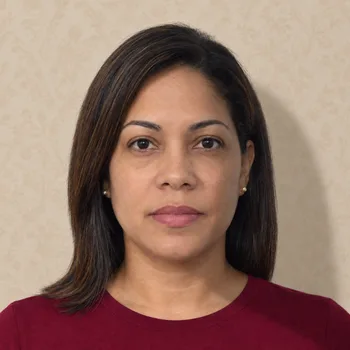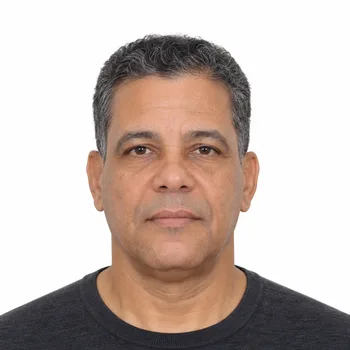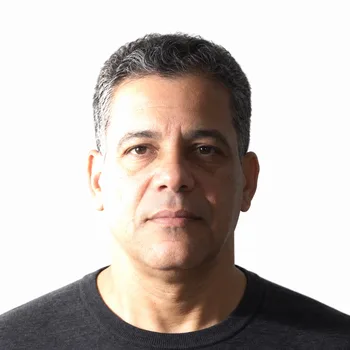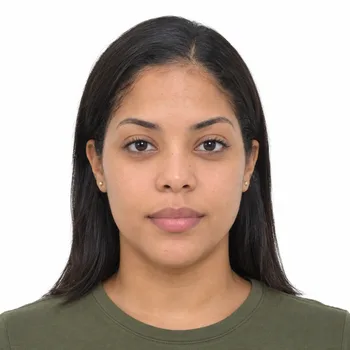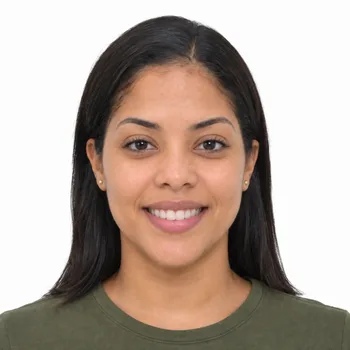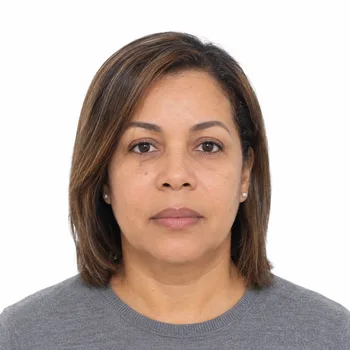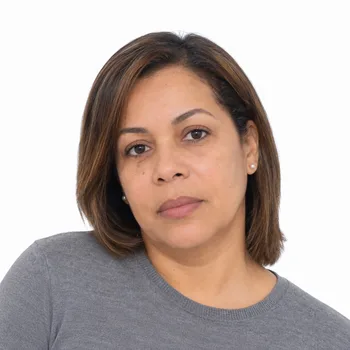
Dominican Residence Permit Photo

Official Dominican residence permit photo requirements for 2026. Size, background and rules. Create a compliant photo online.

Price…
AvailabilityAvailable
Image Created with AI for Illustration

Updating the Photograph for Dominican Temporary Residence

Renewing ordinary temporary residence in Dominican Republic involves maintaining a current immigration record as well as a valid residence card. The Dirección General de Migración publishes a dedicated RT-9 renewal procedure. Its photo request belongs to that specific route, rather than automatically describing every investor, family or permanent-residence application.

For RT-9, the checklist requests two frontal photographs in a square format with a white background, and describes JPG images uploaded directly through the service. The portrait should show the resident clearly, with ears visible and without accessories obscuring the face. Prepare the requested output from a consistent, current image.

The renewal file also brings together the existing residence card, cédula and other supporting records. Keeping those identity documents aligned with the applicant’s current details helps distinguish a routine renewal from a case requiring correction. Review photo quality and framing before submitting the digital photograph; an unsuitable crop can obscure detail even when the original photograph is sharp.

Retain the original file while the renewal is being processed, particularly if the authority asks for a replacement upload. Our photo requirements and facial expression guides support photographic preparation, while the DGM checklist determines the actual submission. Entry-visa information found through the visa finder concerns a different immigration stage: renewal is about continuing an existing residence status and updating the associated identification record.

Requirements for Dominican Residence Permit Photos

Size and Format

Photo dimensions must be precise to avoid rejection. The face-to-frame ratio is equally important for proper identification.
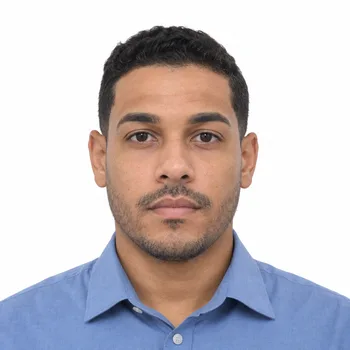
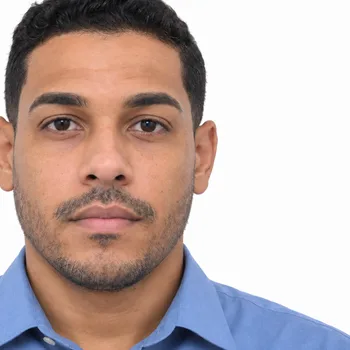
Correct Dominican Republic passport photo size with a centered face
CorrectFace height for Dominican Republic: 25–35 mm
Incorrect Dominican Republic passport photo with an oversized, off-center face
IncorrectFace too large and off-center
Summary:
  • Size: 51 x 51 mm
  • Face Height: 25-35 mm from Chin to Crown
  • Face Must Be Centered and Fully Visible
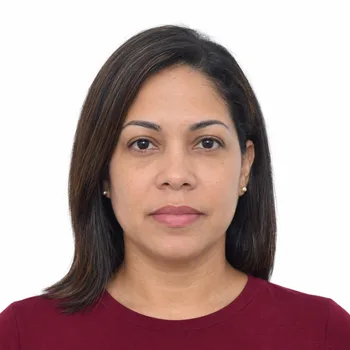
Background

Use a plain, distraction-free background. We replace it automatically to meet official criteria.

Correct Dominican Republic passport photo with a plain background
CorrectPlain, even background
Incorrect Dominican Republic passport photo with a patterned background and shadow
IncorrectPattern and visible shadow
Summary:
  • Solid White Background with No Patterns
  • No Shadows or Color Inconsistencies
  • No Visible Objects or Other People

Lighting and Color Balance

Proper lighting ensures your photo is clear and natural. Uneven exposure or artificial glare can lead to rejection.

Correct Dominican Republic passport photo with even lighting
CorrectEven light and natural color
Incorrect Dominican Republic passport photo with harsh light and facial shadow
IncorrectHarsh light and facial shadow
Summary:
  • Even Lighting Without Overexposure or Dark Shadows
  • No White Spots or Glare from Flash
  • Natural Skin Tones and Accurate Color Contrast

Facial Expression and Visibility

Your face must be fully visible with a neutral expression for easy identification and facial recognition.

Correct Dominican Republic passport photo with a neutral expression
CorrectNeutral, closed mouth
Incorrect Dominican Republic passport photo with a broad smile and visible teeth
IncorrectBroad smile and visible teeth
Summary:
  • Neutral Expression, No Smile or Frown
  • Mouth Closed, Eyes Open
  • No Filters or Image Alterations

Glasses and Accessories

Glasses are allowed only if they do not obstruct visibility. Headwear is permitted only for valid medical or religious reasons.

Correct Dominican Republic passport photo with clear glasses and visible eyes
CorrectEyes fully visible
Incorrect Dominican Republic passport photo with glare obscuring the eyes
IncorrectGlare obscures the eyes
Summary:
  • No Glare or Reflections on Lenses
  • Frames Must Not Cover Eyes or Eyebrows
  • Head Coverings Must Not Obscure Facial Features

Head Position and Posture

Improper posture can lead to application rejection. Your face and shoulders should be correctly aligned and fully visible.

Correct Dominican Republic passport photo with a straight head and level shoulders
CorrectHead straight, shoulders level
Incorrect Dominican Republic passport photo with a turned and tilted head
IncorrectHead turned and tilted
Summary:
  • Head Straight, Not Tilted or Turned
  • Shoulders Square, Face Directed at the Camera
  • Eye Line Centered in the Photo
Simple Process

Get Your Photo in Three Easy Steps

No appointments, no waiting. Create your compliant photo from the comfort of your home.

Upload Your Photo

Simply drag and drop or select your photo from your device. Any recent photo will work.

Smart Validation

Smart technology checks compliance and adjusts your photo to meet official requirements automatically.

Download & Print

Get your professionally formatted photo ready for any official document within seconds.

How It Works

From Selfie to Official Document

Traditional passport photos require a trip to a photo studio, waiting in line, and hoping the result meets strict government requirements. We've simplified this entire process.

Simply upload any recent photo from your smartphone or computer. Our system accepts selfies, photos taken by friends, or even cropped images from larger photos.

Our AI-powered system analyzes your photo against the specific requirements of your chosen document type and country. It automatically adjusts cropping, lighting, and background to meet official standards.

Before delivery, our human experts verify everything to guarantee acceptance at any government office worldwide.

Any Photo Works

Take a photo with your smartphone or use an existing one. Our *AI* handles the rest.

Smart Enhancement

Advanced algorithms adjust lighting, remove backgrounds, and ensure perfect proportions.

Human Verification

Every photo is reviewed by our experts to guarantee acceptance at any government office.

Instant Delivery

Download your photo immediately or have printed copies delivered to your door.

Pricing

Simple, Transparent Pricing

No hidden fees. Pay only for what you need.

100% Money-Back Guarantee If Your Photo is Rejected

Trusted by Thousands

Join our community of satisfied customers who got their passport photos approved.

FAQ

Frequently Asked Questions

Everything you need to know about Rostrio

Still Have Questions?

Our support team is here to help you.